In action
See it for yourself
Clean, fast, and built to feel like it belongs next to the game itself.
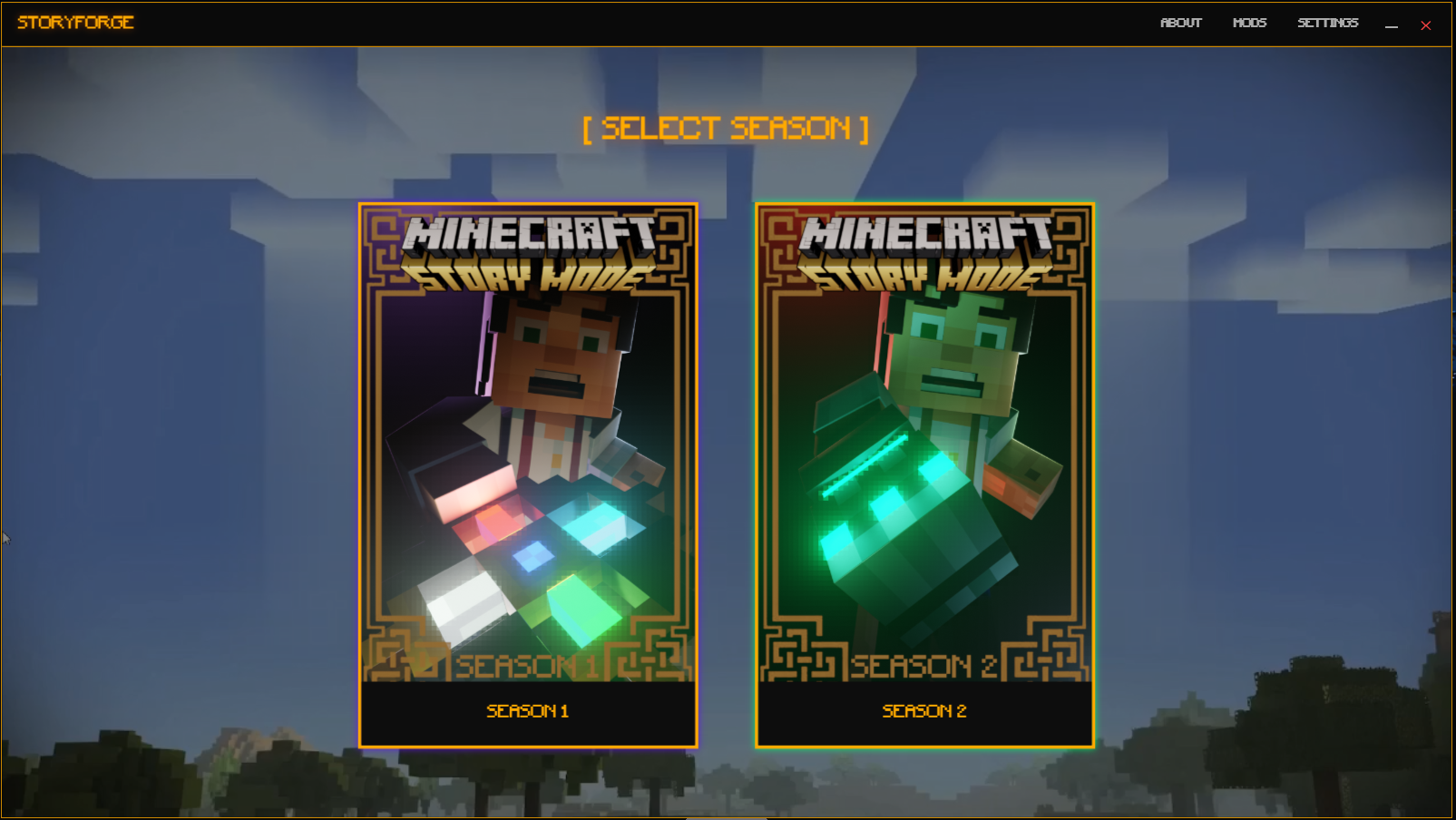
Home Screen
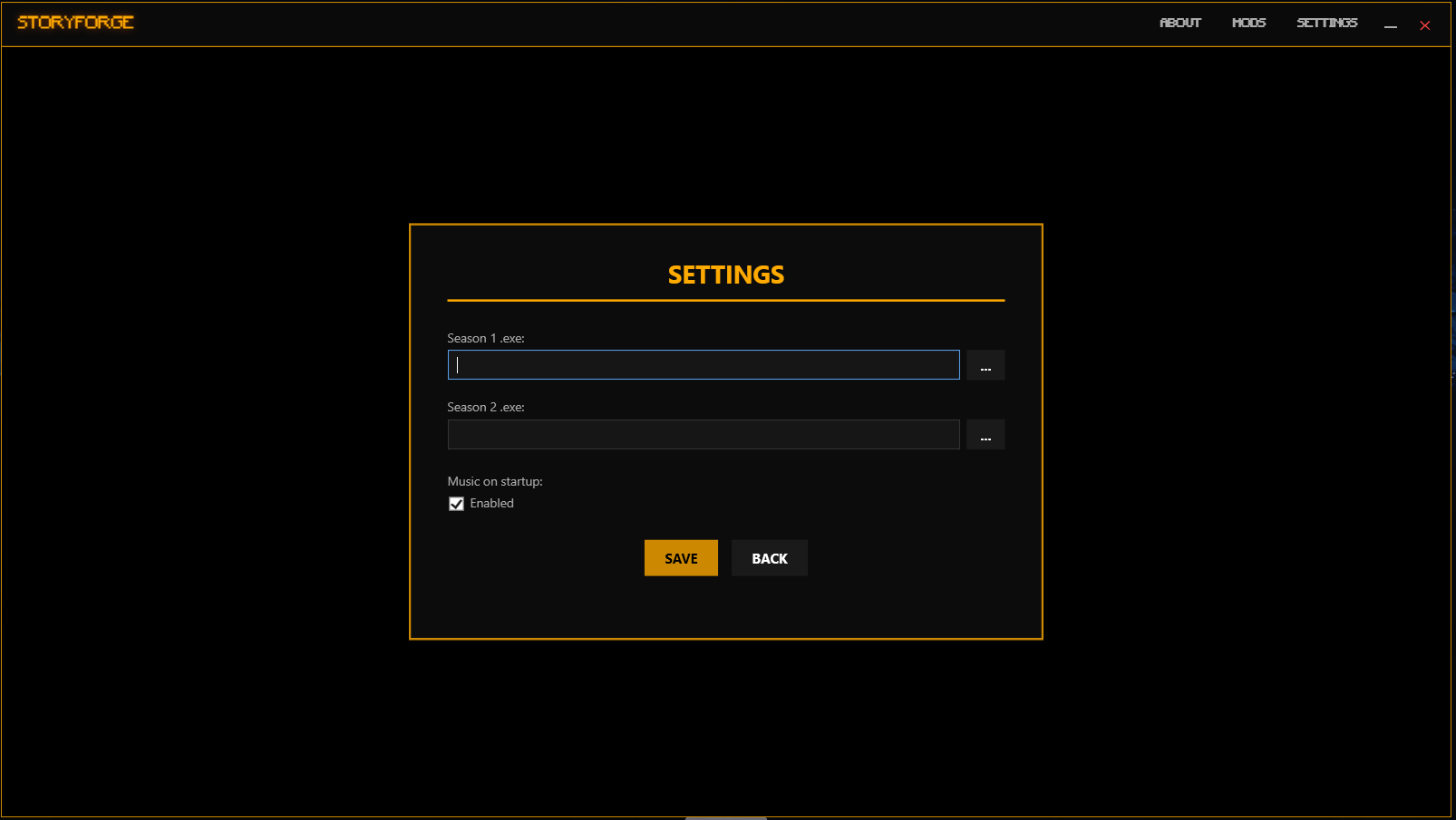
Settings
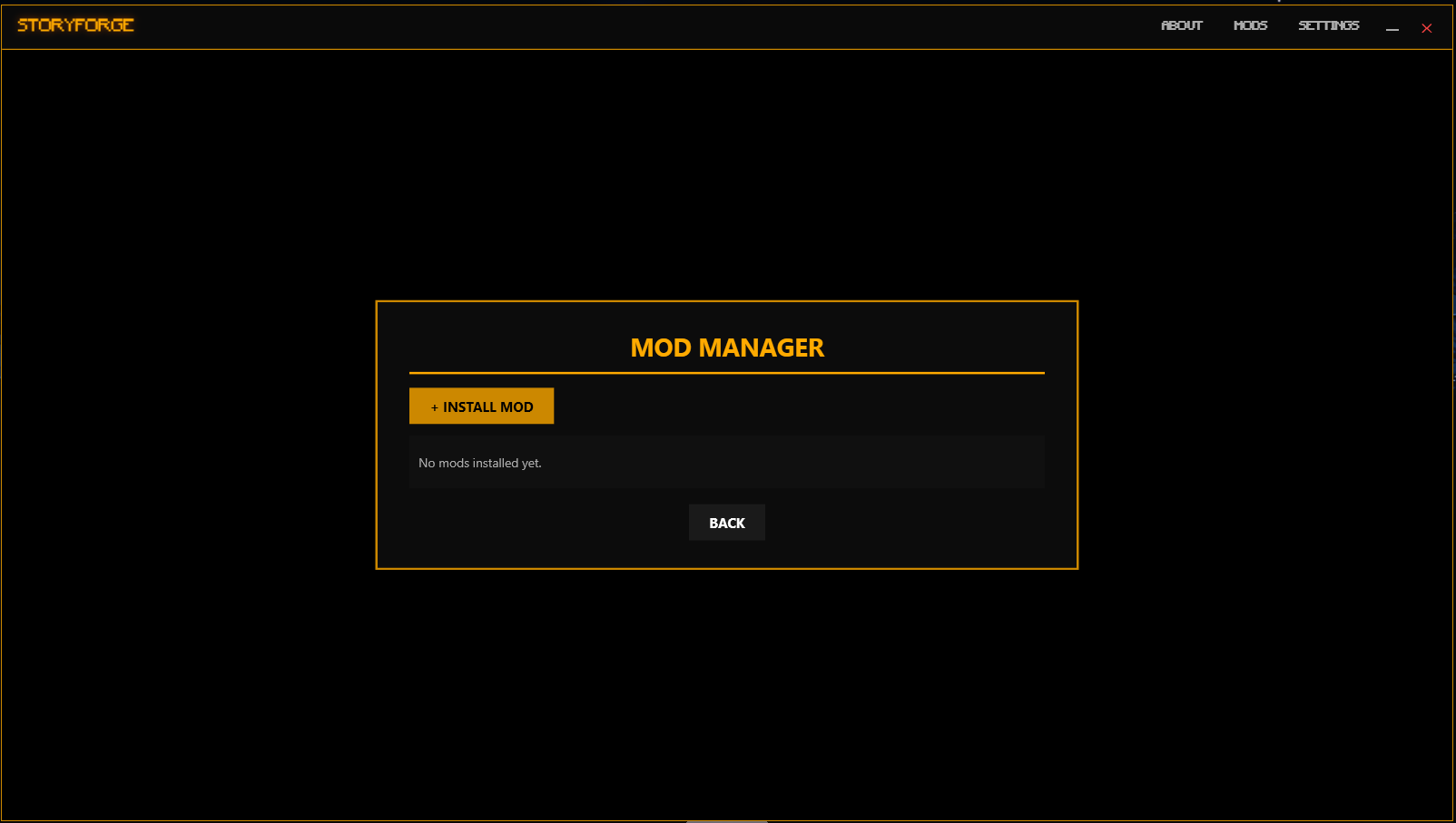
Mod Manager
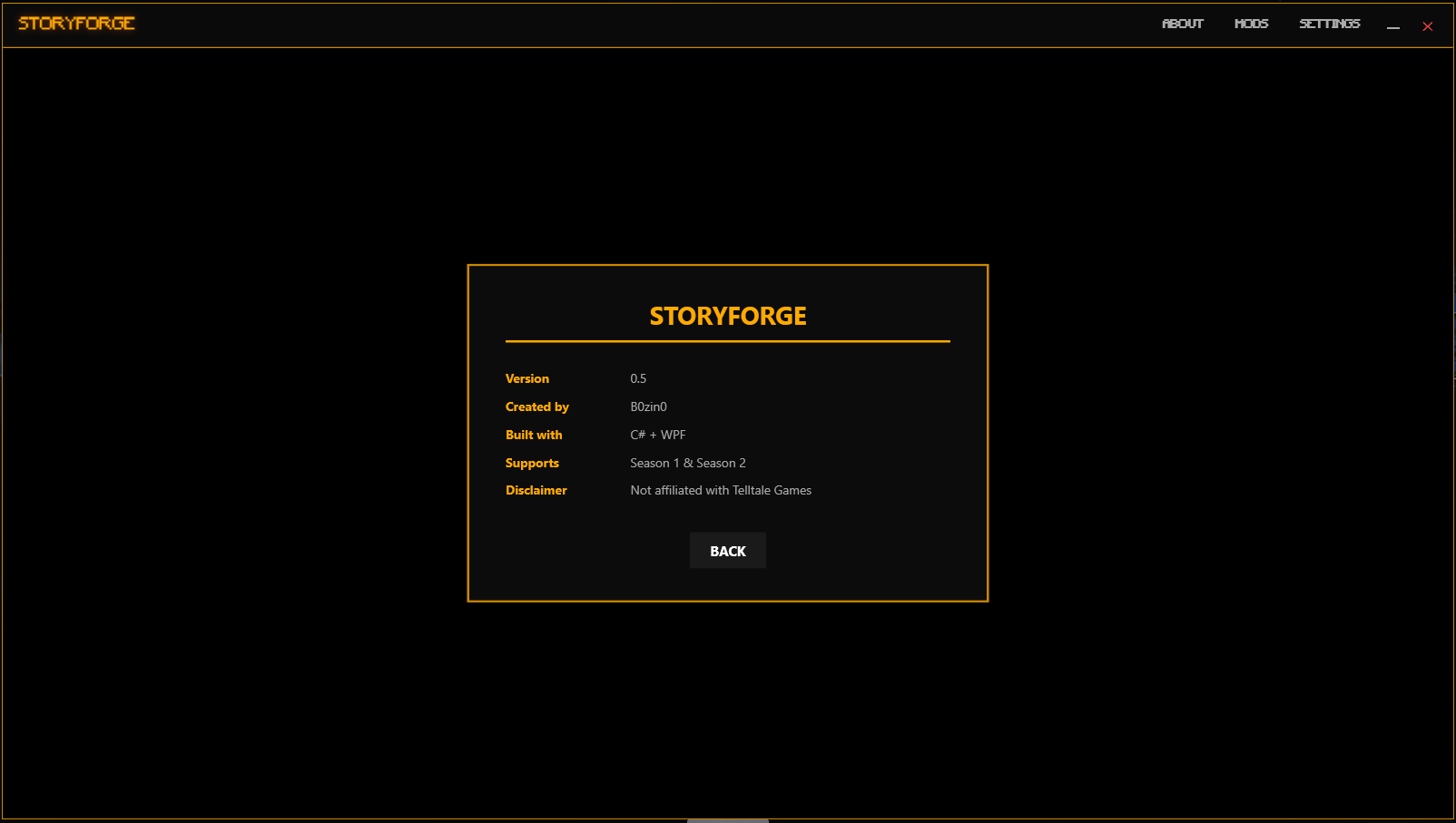
About
The best way to launch Minecraft: Story Mode.
StoryForge isn't just a shortcut. It's a proper launcher built from scratch with features that actually make sense for MCSM and Telltale Games!.
Pick your season from the home screen and hit play. The launcher finds your game, pauses the music, launches it, and resumes when you're done.
Can't find where your game installed? Hit Auto-Detect and StoryForge scans your drives, Steam library, and common install paths automatically.
Install, enable, disable, and remove mods without touching game files manually. Supports textures, scripts, audio, archives and more. More on supported files in the ReadMe.
The launcher plays the MCSM theme on the home screen. Music pauses when you launch the game and comes back automatically when you close it.
StoryForge checks GitHub for new releases on startup and shows a banner if there's an update waiting. You never have to check manually.
Shows what season you're playing in your Discord status. Updates automatically when you launch and clears when you're done.
Clean, fast, and built to feel like it belongs next to the game itself.
StoryForge works with both seasons of Minecraft: Story Mode
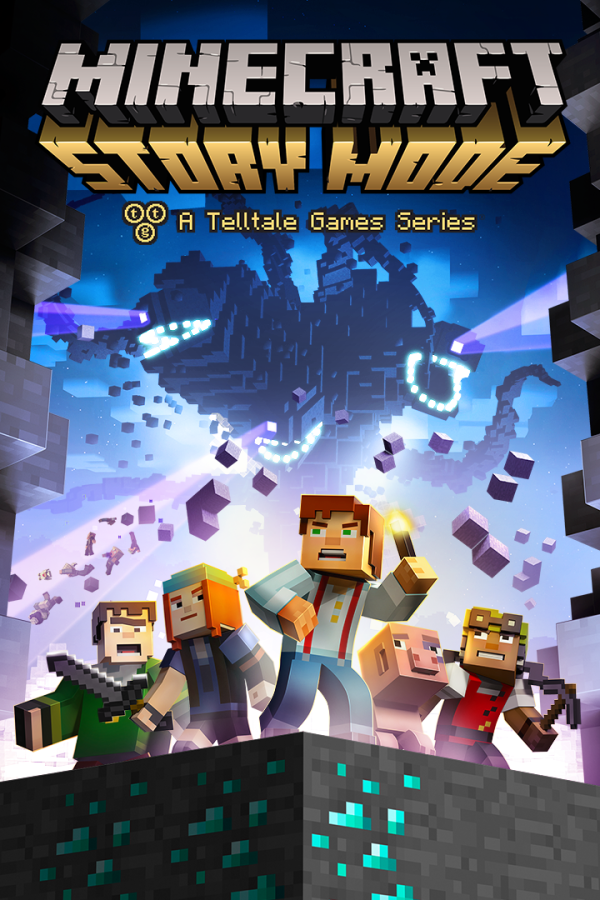
Five episodes + 3 Adventure Pass, following Jesse and the Order of the Stone. After Ivor well-known summons his "beast" Jesse and his friends need to reassemble the order! - Telltale
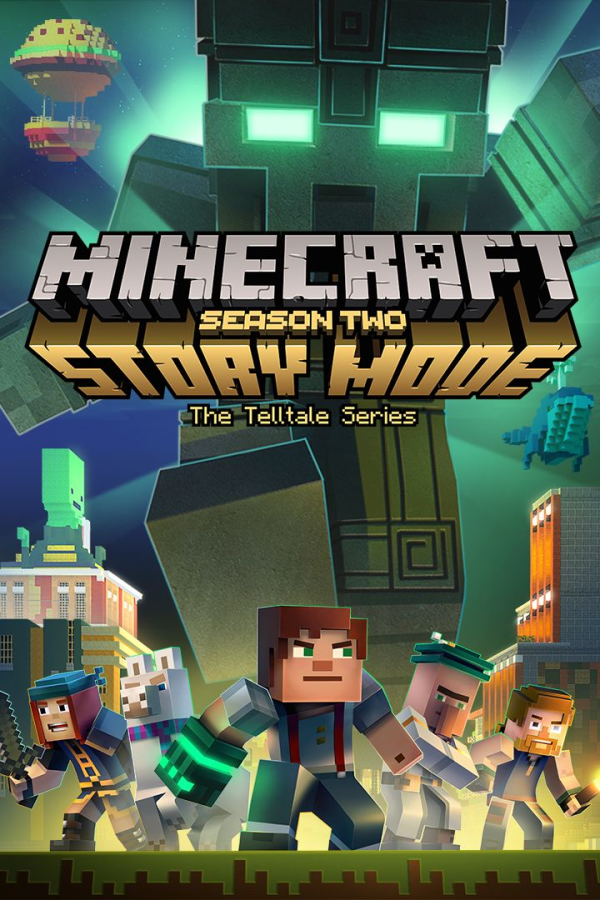
Five episodes with Jesse facing the Admin and a whole new set of challenges. Darker tone, higher stakes, a different kind of adventure. - Telltale
StoryForge Studio is a standalone toolkit for Minecraft: Story Mode modding. Open, view, and edit the actual files that make up the game — textures, scripts, audio, archives and more. Built for everyone from first-time modders to Old Builders!
No installer. No account. Just unzip and run.
Warning: Keep StoryForge.exe and the Assets folder together.
Because StoryForge isn't signed with a paid yet, Windows may flag it as unknown or as a virus. It's completely safe — the full source code is on GitHub. To run it: click More info on the SmartScreen warning, then Run anyway.